Desktop Apps
The web tools on this site handle everyday conversions instantly. For heavier, offline workloads — multi-gigabyte files, batch jobs, live serial ports — these free desktop companions take over.
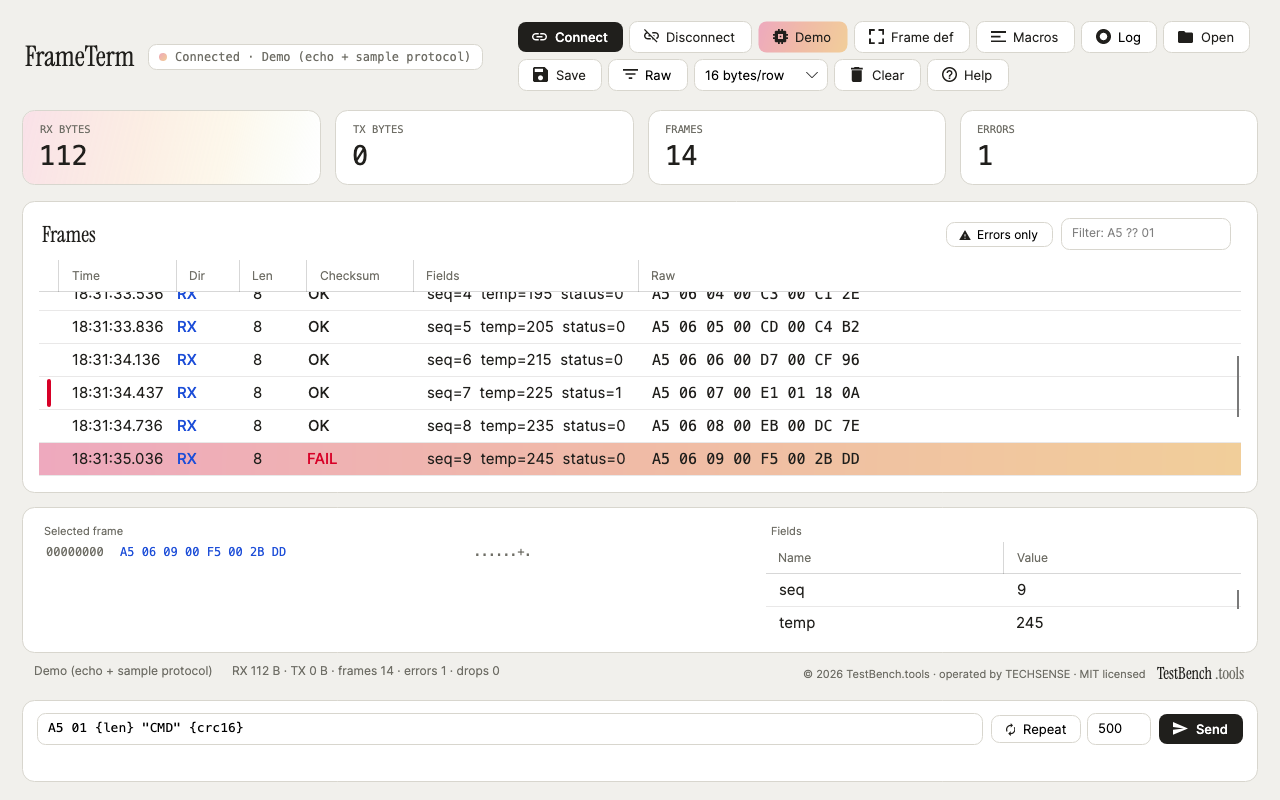
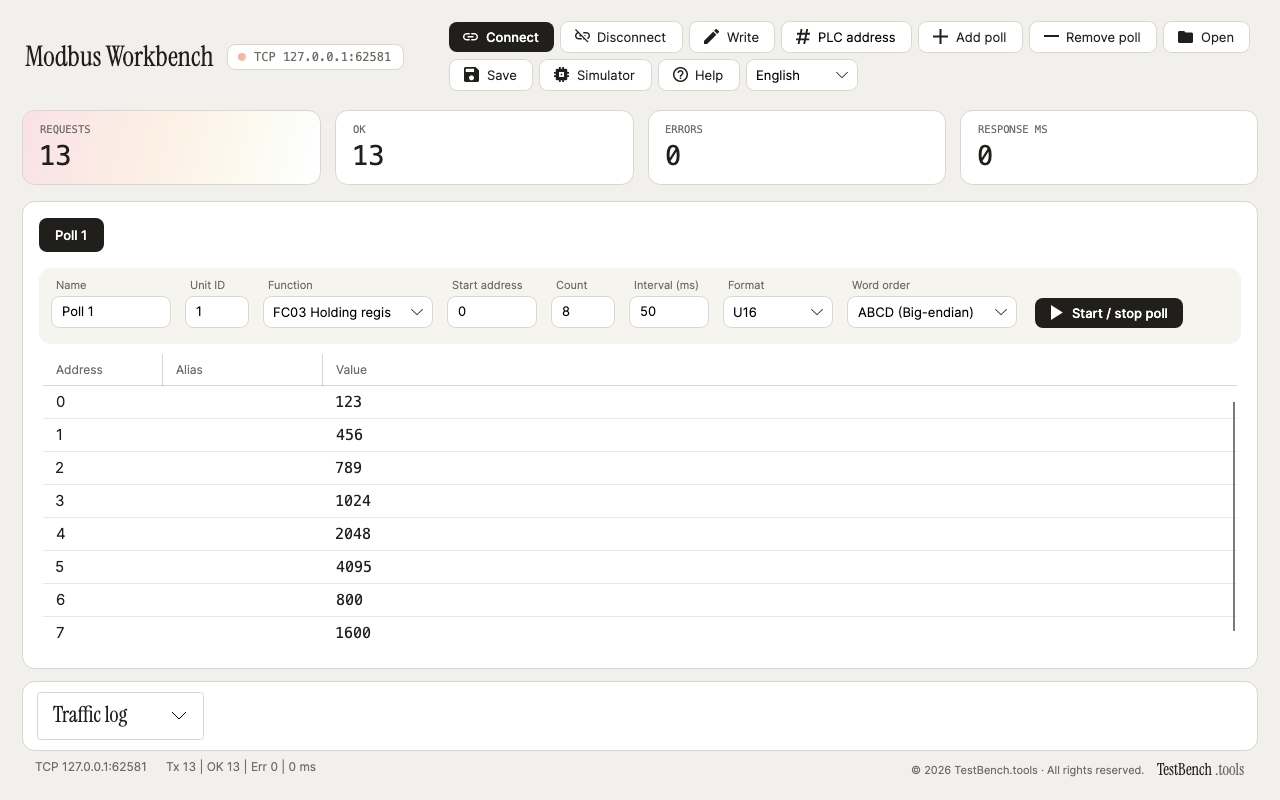
Modbus RTU/TCP master with polling, writes and a built-in simulator.
Windows · free · MIT · v1.7.1 · 46 MB
SHA-256
5e8562f71fde60aefd931adf92d3784258be057d685fd67b3bb0cd075224c6fe
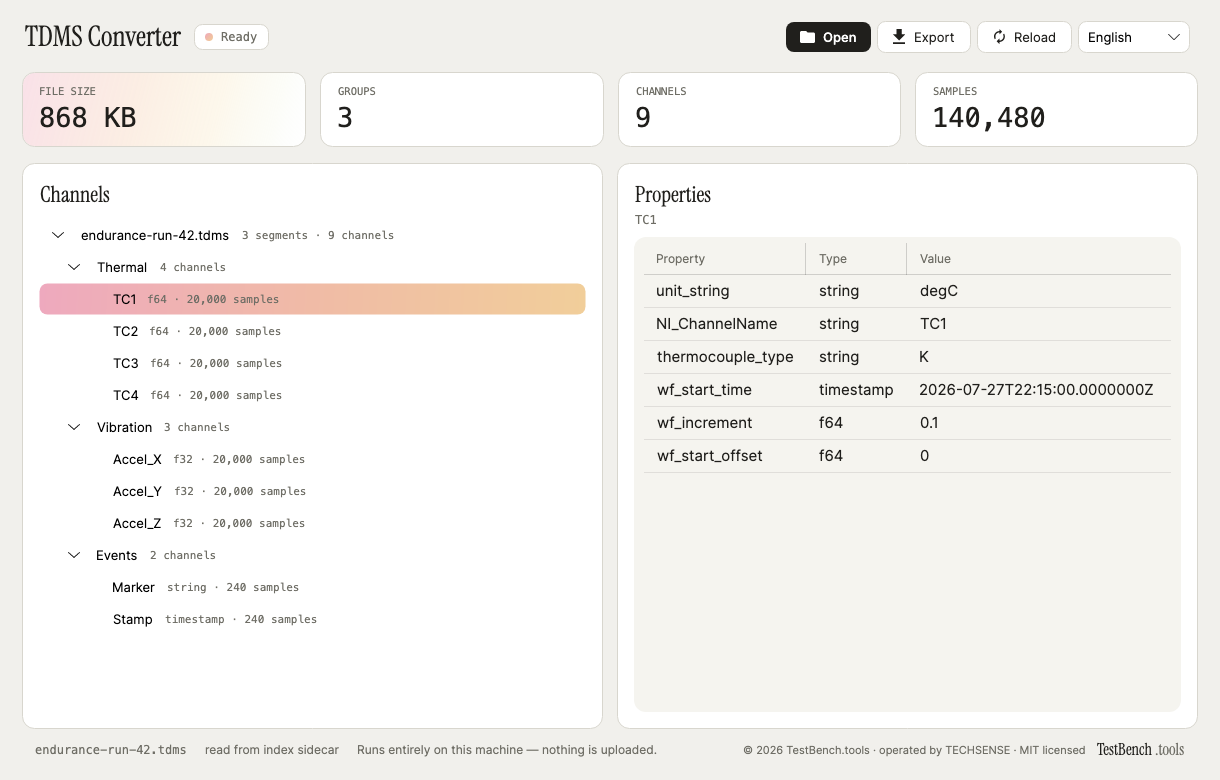
Desktop viewer and CSV converter for NI TDMS measurement files.
Windows · free · MIT · v1.1.1 · 46 MB
SHA-256
425e8e8ba58733179ea382bfcfabfa12094c0aa3e20991e30df3f351fdf43c8e
Verify what you downloaded
Compare the SHA-256 of the file you got against the one published here. In PowerShell:
Get-FileHash .\FrameTerm-v1.0.1-win-x64.exe -Algorithm SHA256
Windows will warn you the first time
These builds are not code-signed — a signing certificate is a yearly cost this project does not carry — so SmartScreen shows “Windows protected your PC” on first run. The warning means the publisher is unrecognised, not that anything was found wrong with the file. Choose More info → Run anyway, or check the checksum above first. Every build is produced from the public source in its repository.
Every app here is free and MIT licensed, like everything else on this site — use it, read the source, fork it. New releases are announced on this page.